


How to choose security cameras for home and business

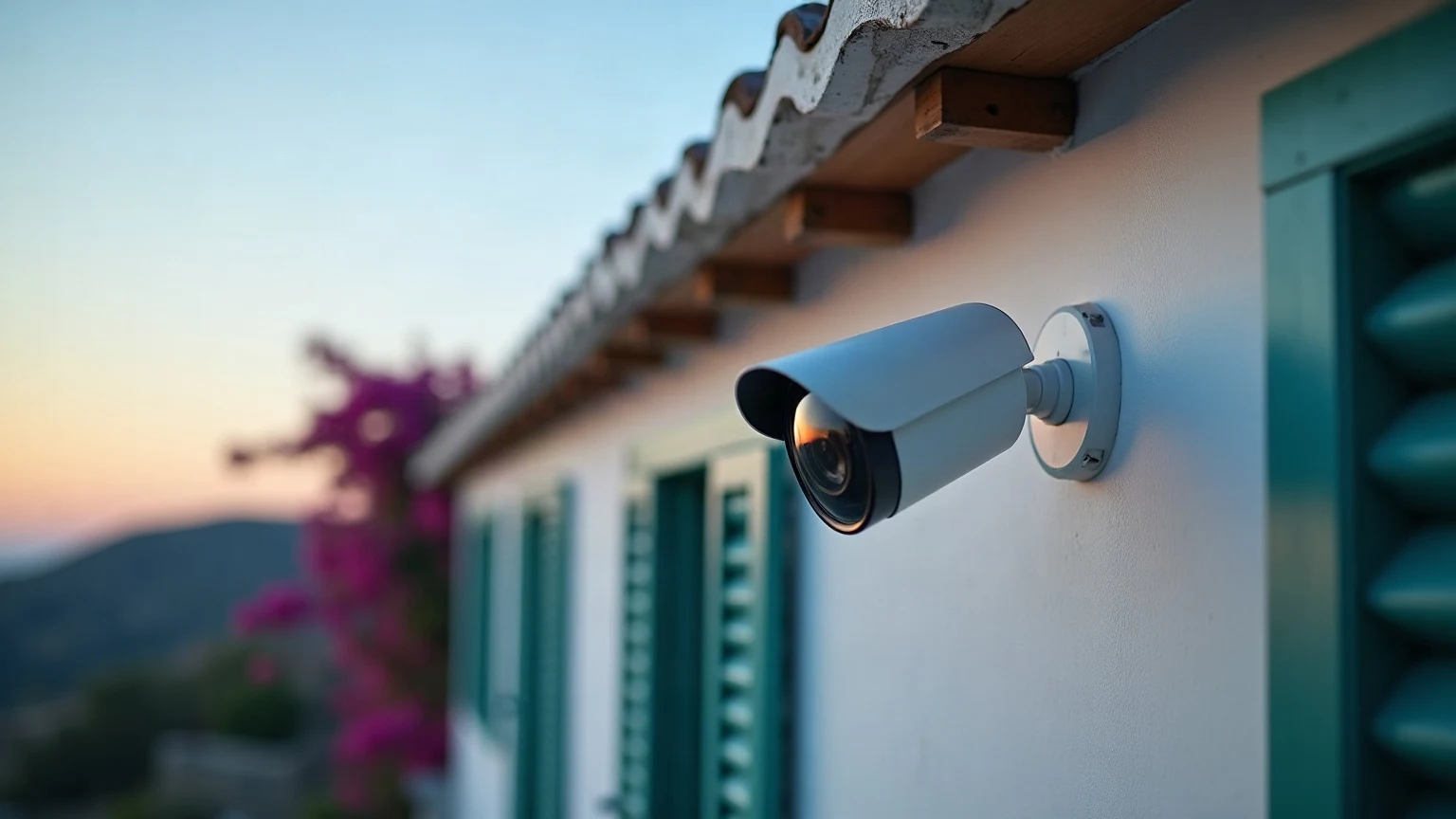
To choose security cameras for a home or business, looking at the resolution is not enough. First you decide what you want to see and from where, and then the camera type, the lens, night vision, the recorder and access from your mobile. This guide goes through each decision in turn, with examples from Comelit's CCTV equipment.
Start with the points you want to cover, because they determine how many cameras you need. IP cameras with PoE get power and data from a single network cable, while AHD analogue cameras connect with coaxial cable and suit installations with analogue equipment. Then you choose the lens, night vision, a recorder with enough channels and an app for your mobile.
Tell us whether it is a home or a business and which points you want to cover, and we will get in touch with you.
What you want to cover: areas and points
The choice starts with the points you want to see, not with the camera. Count them, because they tell you how many cameras will be installed and how many channels the recorder needs. A CCTV system has cameras, a recorder that stores the footage, and accessories for power and mounting.
Home
Think about the main entrance, the garden gate, the back door, the garage and the yard. For views inside the house, there is the indoor cube WiFi camera, with a speaker and microphone for two-way communication.
Business
Think about the customer entrance, the till, the storeroom, the loading area and the car park. For vehicle gates there are number plate recognition cameras, and for large open areas there are fisheye and PTZ cameras.
At home, point the cameras only at your own property. If the image captures, even partially, a public space or a neighbouring property, the recording is no longer considered a purely personal activity and the rules on personal data apply. In a business, the area under video surveillance is marked with a sign before people enter it, at roughly eye level.
If you also want intrusion alerts, take a look at the alarm system with camera, where the motion sensor captures up to 3 consecutive images with each alarm. A box with 16 alarm inputs and 6 alarm outputs can also be connected to the NVR and analogue recorders of the Advance and Next series.
IP or analogue cameras
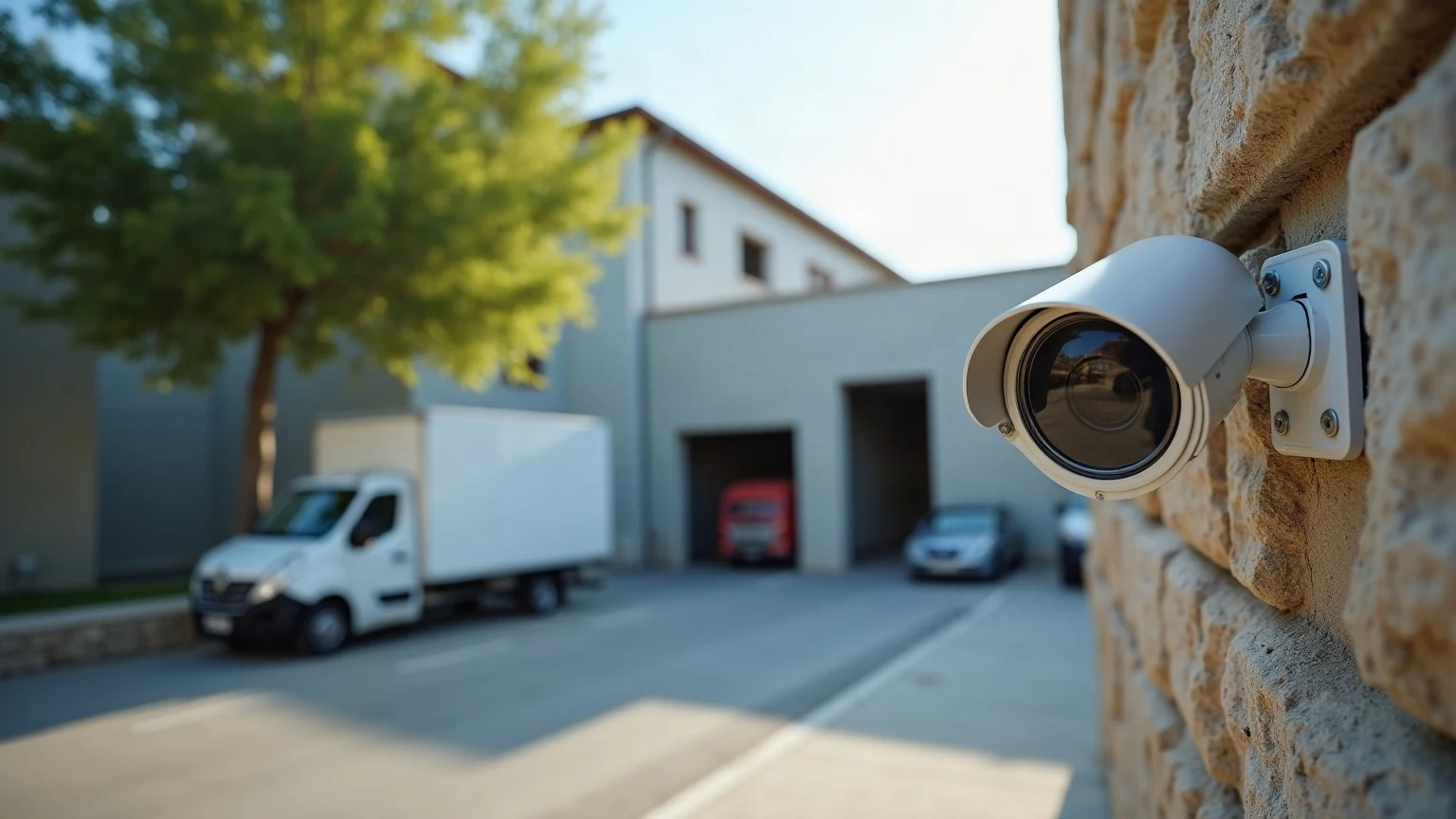
Analogue models suit installations with analogue equipment, while IP models offer the most options in the Comelit range, with special types such as PTZ, fisheye and number plate recognition. The camera technology also determines the recorder: IP cameras record to an NVR and analogue cameras to an XVR.
IP cameras connect with a network cable. With PoE, the same cable also carries power, from a PoE recorder or from a 4- or 8-port PoE switch. The NEXT series 4MP IP bullet camera with a 2.8 mm lens, for example, accepts a 12 VDC or PoE (IEEE 802.3af) power supply and is ONVIF compatible.
The AHD analogue cameras by Comelit work with AHD, TVI, CVI and CVBS signals and are powered at 12 VDC. On the 2MP minidome camera, the video cable can run up to 300 m with RG59 coaxial or 100 m with UTP, and for UTP cable there is a kit of passive AHD transceivers.
| FEATURE | IP CAMERAS | AHD ANALOGUE |
|---|---|---|
| Cable | Network cable | RG59 coaxial or UTP with transceivers |
| Power supply | 12 VDC or PoE | 12 VDC |
| Recorder | NVR | XVR |
| Resolution | 4MP and 8MP on bullet and turret models, 12MP on the fisheye | 2MP, 4MP and 5MP |
| Types | Bullet, turret, PTZ, fisheye, Vandalcom, number plate recognition | Minidome, bullet, turret |
Comelit XVRs are hybrid: in addition to their analogue inputs, they also have IP channels, so IP cameras can be added to an analogue system too.
Resolution and lens
Resolution shows how much detail the image has, while the lens determines how wide or how narrow the camera's view is. The two are judged together, depending on what you want to make out at each point.
The IP bullet and turret cameras of the NEXT and Advance series have 4MP or 8MP resolution, and the analogue ones from 2MP to 5MP. The recorder must also support the camera's resolution: STANDARD series NVRs, for example, support up to 8MP.
The 2.8-12 mm motorised lens is adjusted at the installation point. On the 4MP analogue turret camera, the diagonal field of view goes from 123° at 2.8 mm to 44° at 12 mm, that is, from a wide shot to a tighter shot for a distant point.
For special requirements, there are the ADVANCE IP cameras: the 12MP fisheye with a 360° viewing angle, the 4MP PTZ with 25x optical zoom and the 4MP ANPR with an 8-32 mm lens for number plate recognition. The AI versions of the NEXT series distinguish people from vehicles in line crossing and area intrusion detection.
Night vision and outdoor use
For night-time, the cameras have IR LED infrared illumination, which provides an image even in darkness, while some models also have white light for a colour image. With outdoor security cameras, you should also look at the illumination range and the protection of the housing.
Infrared (IR)
Black and white image in the dark. The range varies by model, from 10 m on the cube WiFi camera to 150 m on the PTZ, while the 4MP IP bullets with Smart IR reach 50 m.
ColorUp
White LEDs for a colour image at night. The 4MP Color Up bullet camera has white light and infrared with a 20 m range and three capture modes: ColorUp, Dual Light and IR.
Deterrence
When an event occurs, the Deterrence versions switch on a blue and red warning light and give an audible alert with a siren or messages from their speaker.
Comelit bullet and turret cameras for outdoor use have a metal housing of die-cast aluminium with IP66 or IP67 protection. Where the camera is at risk of impact or tampering, the Vandalcom camera has an IK10 protection rating. For mounting, there are IP66 junction boxes and brackets for wall, ceiling, corner and pole.
Recorder and storage
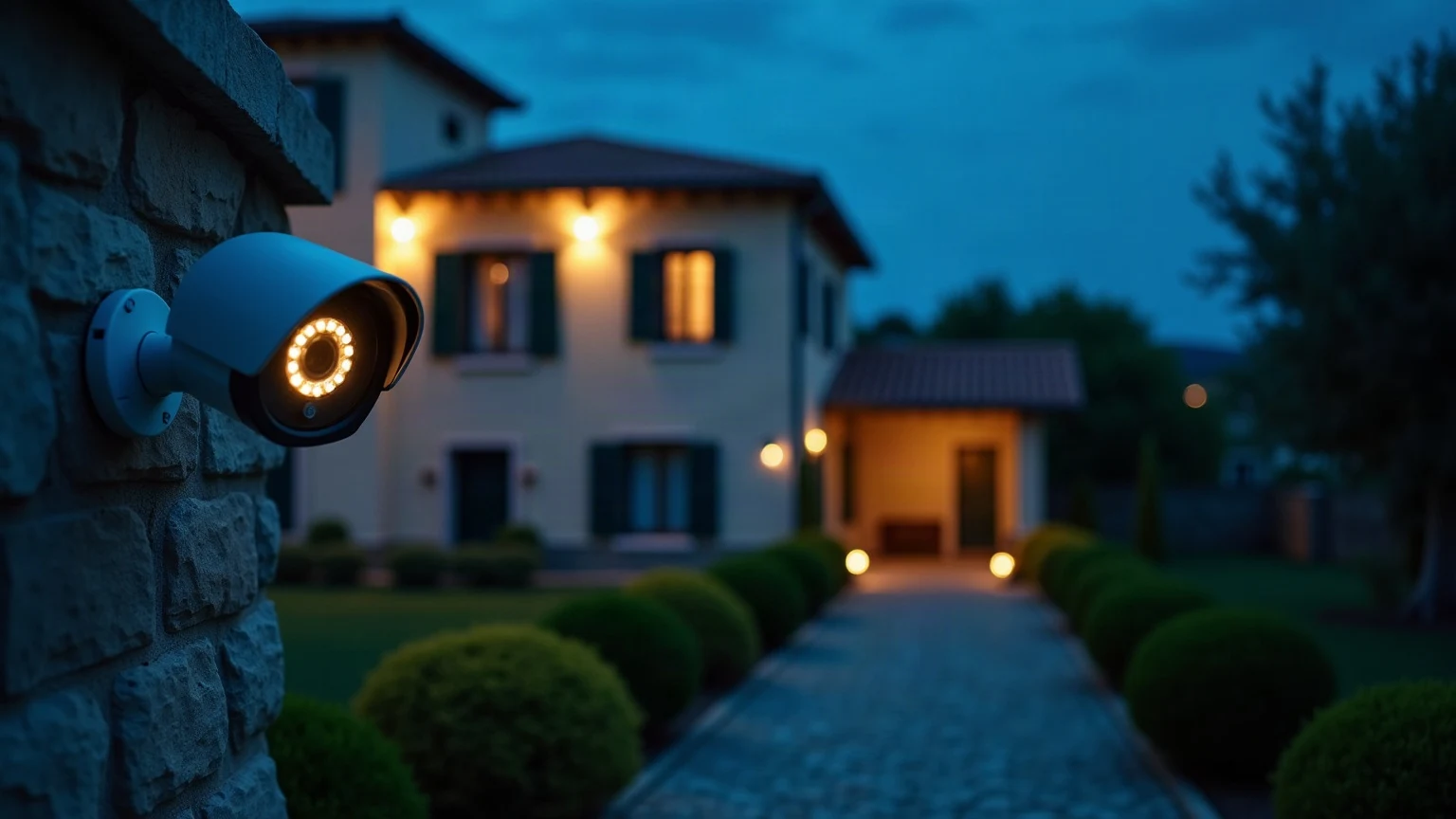
The recorder stores the camera footage on a hard disk, and its channels determine how many cameras can be connected. Choose a camera recorder with as many channels as you need today and a few more for cameras you may add later.
- Count the cameras. STANDARD series NVRs have 4, 8 or 16 channels, ADVANCE series NVRs from 4 to 128, and XVRs 4, 8 or 16 inputs.
- Match the technology. For IP cameras you choose an NVR, and for analogue cameras an XVR.
- Check the power supply. PoE NVRs power the cameras, such as the NEXT series 4-channel NVR with 4 PoE ports. Otherwise, a PoE switch or a 12 VDC power supply is used.
- Check the storage. The smaller models come with a 1 TB or 2 TB hard disk, while the 32-, 64- and 128-channel ADVANCE NVRs are supplied without a disk.
The NEXT series 4MP IP bullet cameras also have an SD card slot of up to 256 GB, for local recording on the camera itself. How many days of recording are kept depends on the disk capacity, the number and resolution of the cameras, and the compression. NEXT and Advance series NVRs support H.265 and H.264 compression.
Access from your mobile and network security
You view the image on your mobile with the recorder's or the camera's app, when the system is connected to the internet. That is why network security is part of the choice, just like the camera itself.
NEXT and Advance series NVRs are controlled remotely with the Comelit CCTV APP and the Comelit CCTV Manager software, and they connect to the manufacturer's servers, which are protected by AWS services.
In the WiFi camera range, there is also a ready-made kit with an NVR and four 5MP bullet cameras: it is delivered pre-programmed, sends push notifications when an event is recorded and is controlled from the Comelit View Smart app.
Whichever system you choose, four steps help keep the cameras secure on the network:
- Change the default password. If the device comes with a default password, set a strong one of your own, for example a phrase made up of random words.
- Install the updates. Update the software (firmware) regularly and turn on automatic updates where the app allows it.
- Disable what you do not need. If you do not view the image remotely, disable remote access, bearing in mind that motion alerts may also stop.
- Check the router. See whether you can turn off UPnP and port forwarding, because they can open a path to devices such as cameras.
Installation and setup can be handled by authorised Comelit partners. Ask the partner in your area whether they also cover CCTV. The cost depends on the number and type of cameras, the recorder and the disk, the cabling and power supply, and the mounting brackets.
Frequently asked questions
What is an IP camera?
It is a camera that connects to a network and sends the image to an NVR recorder. You can view the image in a browser or, through the recorder, in the app on your mobile. With PoE, the camera also gets power from the same network cable.
Wireless or wired outdoor camera?
A wireless WiFi camera saves you the network cable, but not the power: Comelit's 4MP WiFi bullet model is powered by 12 VDC or PoE. A wired PoE connection provides image and power from one cable and does not depend on the wireless network signal.
Do I need a recorder or is an SD card enough?
The SD card records the image inside the camera itself, up to 256 GB on Comelit's 4MP IP bullet cameras. When you have more cameras, the recorder brings all their recordings together on one disk.
Which app do I need to view the cameras on my mobile?
It depends on the system. NVRs and XVRs are controlled remotely with Comelit CCTV, which also sets up the cube WiFi camera by scanning a QR code. The WiFi kit is controlled with the Comelit View Smart app.
Can security cameras see at night?
Yes. With IR LED infrared, they give a black and white image in the dark, while models with white LEDs, such as the Color Up series, also give a colour image. The illumination range varies by model, from 10 m on the cube WiFi camera to 150 m on the PTZ camera.
Request a CCTV quote for your premises
Tell us whether it is a home or a business, how many points you want to cover and whether cabling is already in place. We will get in touch with you as soon as possible.
Sources
- Comelit, IPBCAMN04FB - Comelitgroup. https://pro.comelitgroup.com/en-gb/product/ipbcamn04fb
- Comelit, IPBCAMN04F01CUA - Comelitgroup. https://pro.comelitgroup.com/en-gb/product/ipbcamn04f01cua
- Comelit, NIPNVR004N06PA - Comelitgroup. https://pro.comelitgroup.com/en-gb/product/nipnvr004n06pa
- Comelit, WIKIT004S05NA - Comelitgroup. https://pro.comelitgroup.com/en-gb/product/wikit004s05na
- European Data Protection Board, Guidelines 3/2019 on processing of personal data through video devices. https://www.edpb.europa.eu/documents/guideline/guidelines-32019-on-processing-of-personal-data-through-video-devices_en
- National Cyber Security Centre, 'Smart' security cameras: Using them safely in your home. https://www.ncsc.gov.uk/guidance/smart-security-cameras-using-them-safely-in-your-home